O PlaySIM é mais um player no estilo IBO/BOB/Assist+: ativação por MAC, vitalício, painel web para gerenciar listas. Disponível nas lojas Samsung Tizen e LG WebOS.
Diferencial: interface focada em velocidade de zapping (troca de canal). Em Smart TVs Tizen e WebOS mais novas, troca de canal é praticamente instantânea.
Plataformas suportadas
Samsung Tizen, LG WebOS, Android TV, Fire OS
Modelo de preço
Pago vitalício (~US$ 7-10)
Compatibilidade
| Plataforma | Versão mínima | Loja |
|---|---|---|
| Samsung Tizen | 4.0+ | Samsung Apps |
| LG WebOS | 4.0+ | LG Content Store |
| Android TV / Fire OS | Android 9+ | Aptoide TV |
Como instalar e ativar (passo a passo)
Instale pela loja oficial
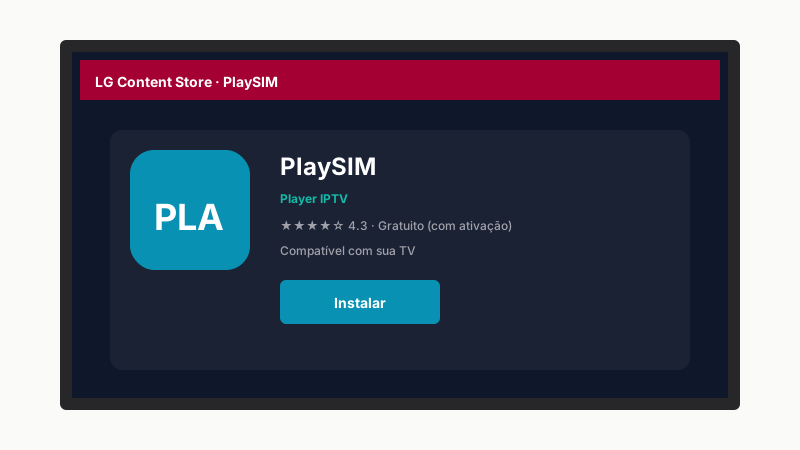
Samsung Tizen: Apps → "PlaySIM". LG WebOS: Content Store → "PlaySIM". Instale.
Abra e anote MAC + Device Key
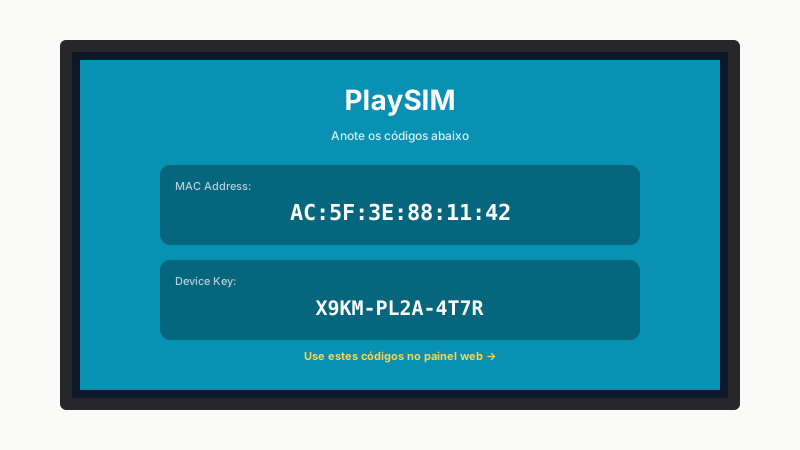
Tela inicial mostra MAC e Device Key. Anote ambos para a próxima etapa.
Acesse o painel web
Em
playsim.appno celular ou PC. Cadastre conta.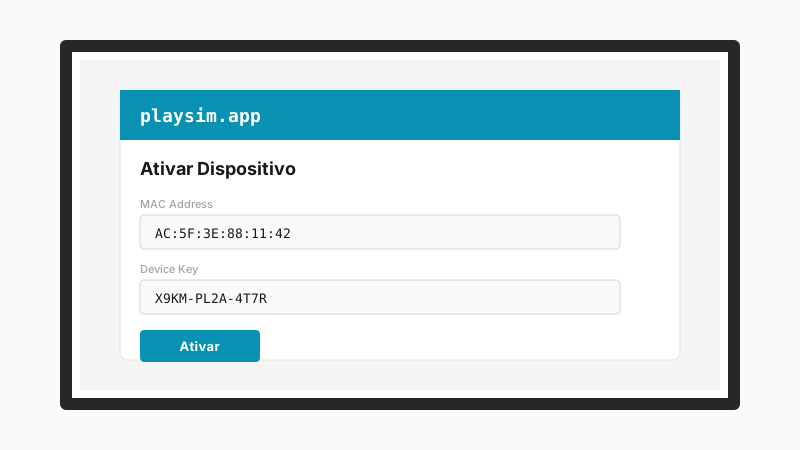
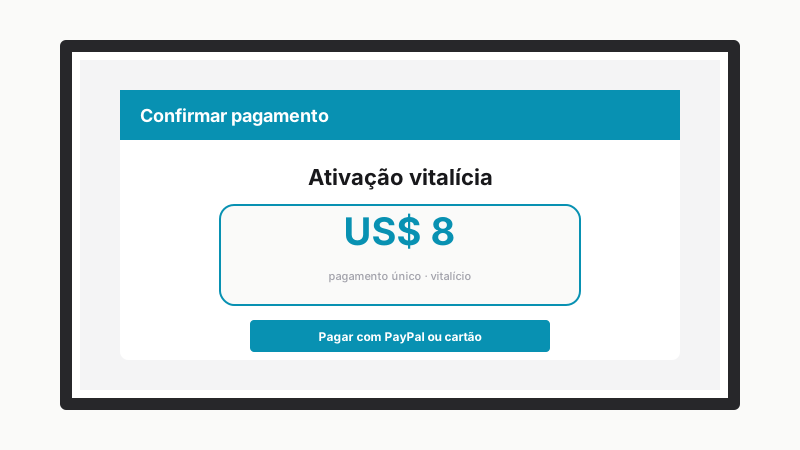
Pague a ativação
~US$ 7-10 vitalício. PayPal ou cartão. Vincula ao MAC.
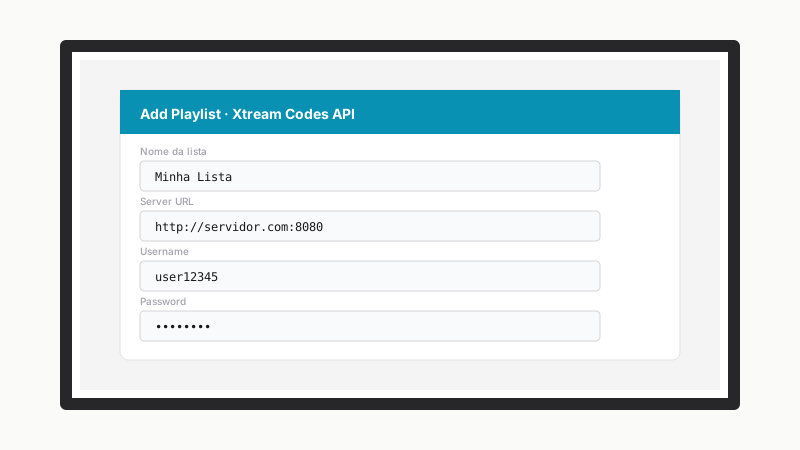
Cadastre sua lista
Add Playlist → Xtream Codes (recomendado) ou M3U URL. Salvar.
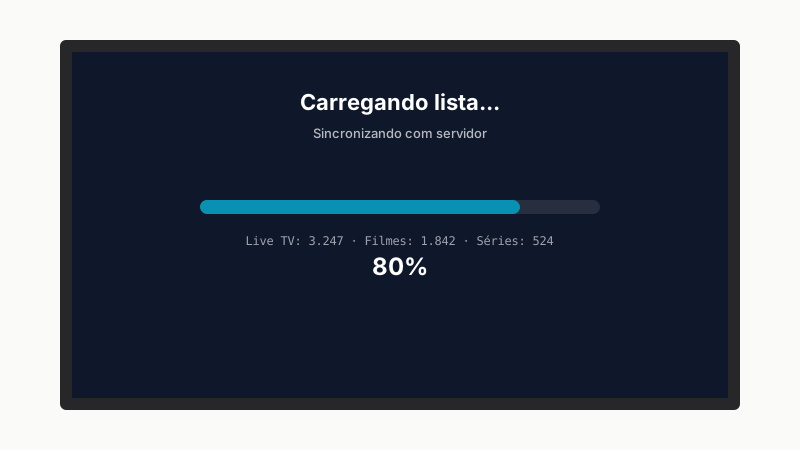
Recarregue o app na TV
Saia e abra novamente. Carregamento em 1-3 minutos.
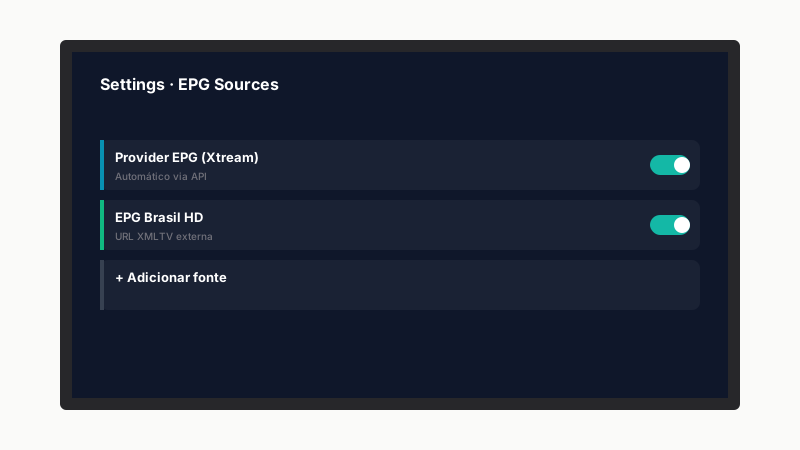
Configure EPG
Settings → EPG → URL XMLTV se necessário.
Otimize
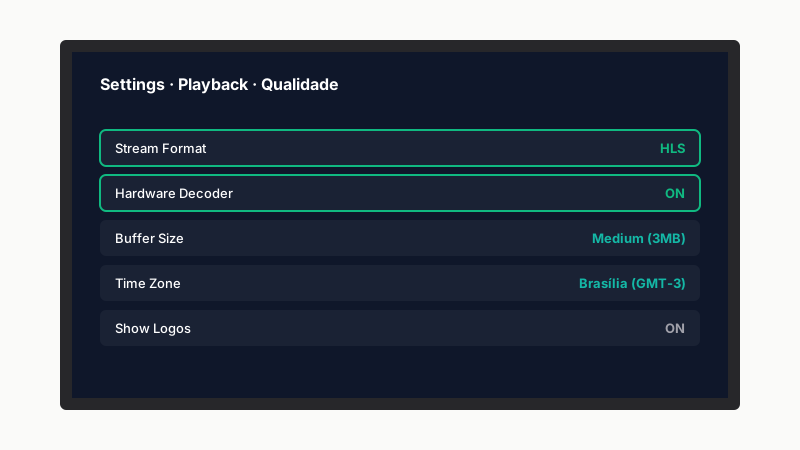
Stream HLS, Hardware Decoder ON, Buffer Medium, fuso GMT-3.